
The ultimate tool for drawing 2D images, panoramas, and schematics using blocks. Bridge the gap between imagination and blocky reality.
MinePaint is a powerful tool designed for drawing 2D images, panoramas, schematics, floor plans, and more using Minecraft-style blocks. Whether you are planning a massive build or creating pixel art, MinePaint gives you the canvas you need.
With an intuitive interface, a robust engine, and built-in layers, it’s the perfect companion for every digital architect.
Everything you need to craft your masterpiece.
Standard drawing tool for placing blocks precisely.
Instantly fill or clear a selected area with blocks.
Quickly select a block from the canvas to use.
Remove blocks easily. Includes size adjustment.
Safely navigate without editing the canvas.
Create complex scenes with multiple layers. Manage visibility and order with ease.
Quick access to your last 9 used blocks.
Canvas resizing up to 300x300 blocks.
.mcpaint filesTake a look inside the application.
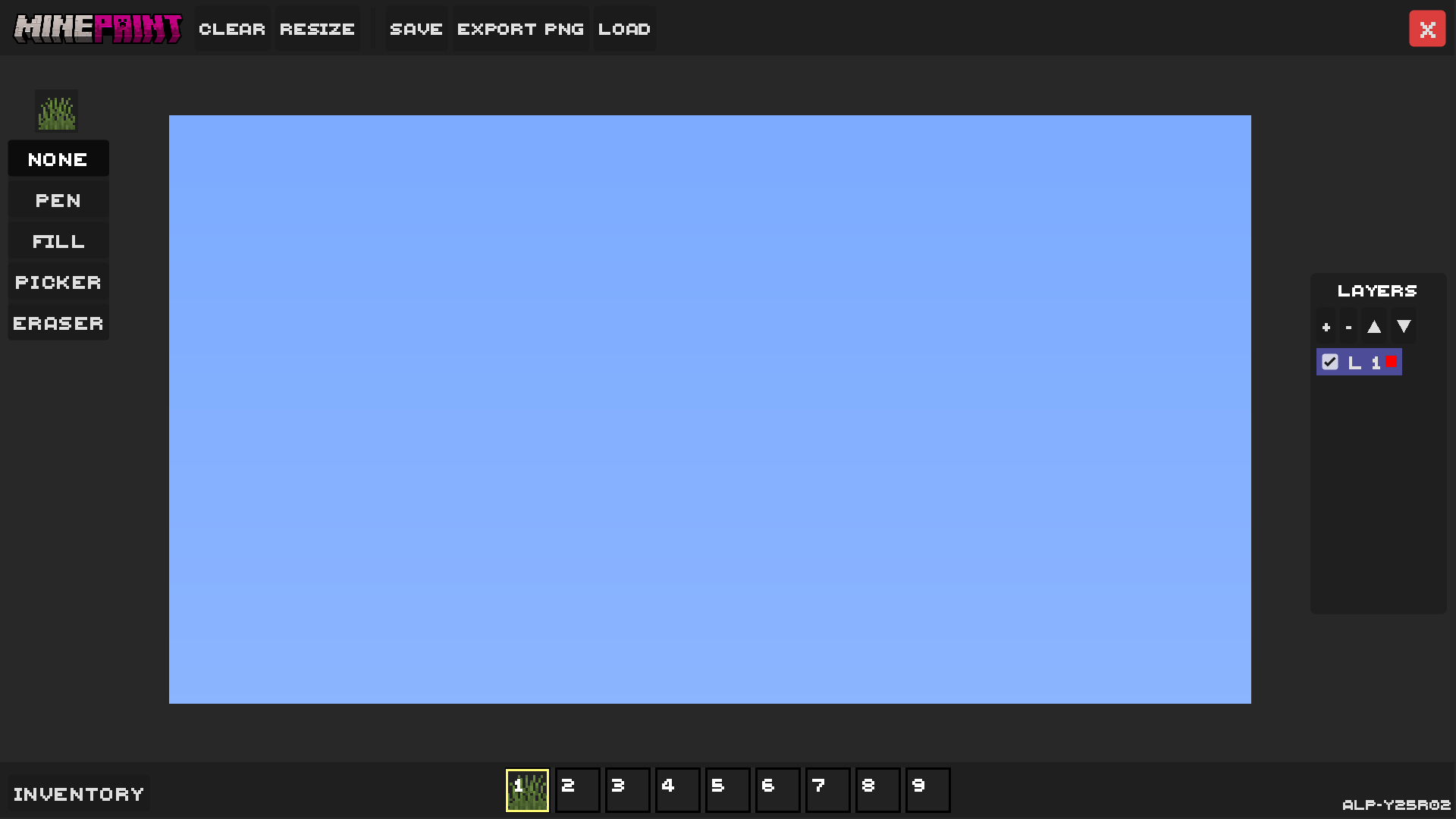
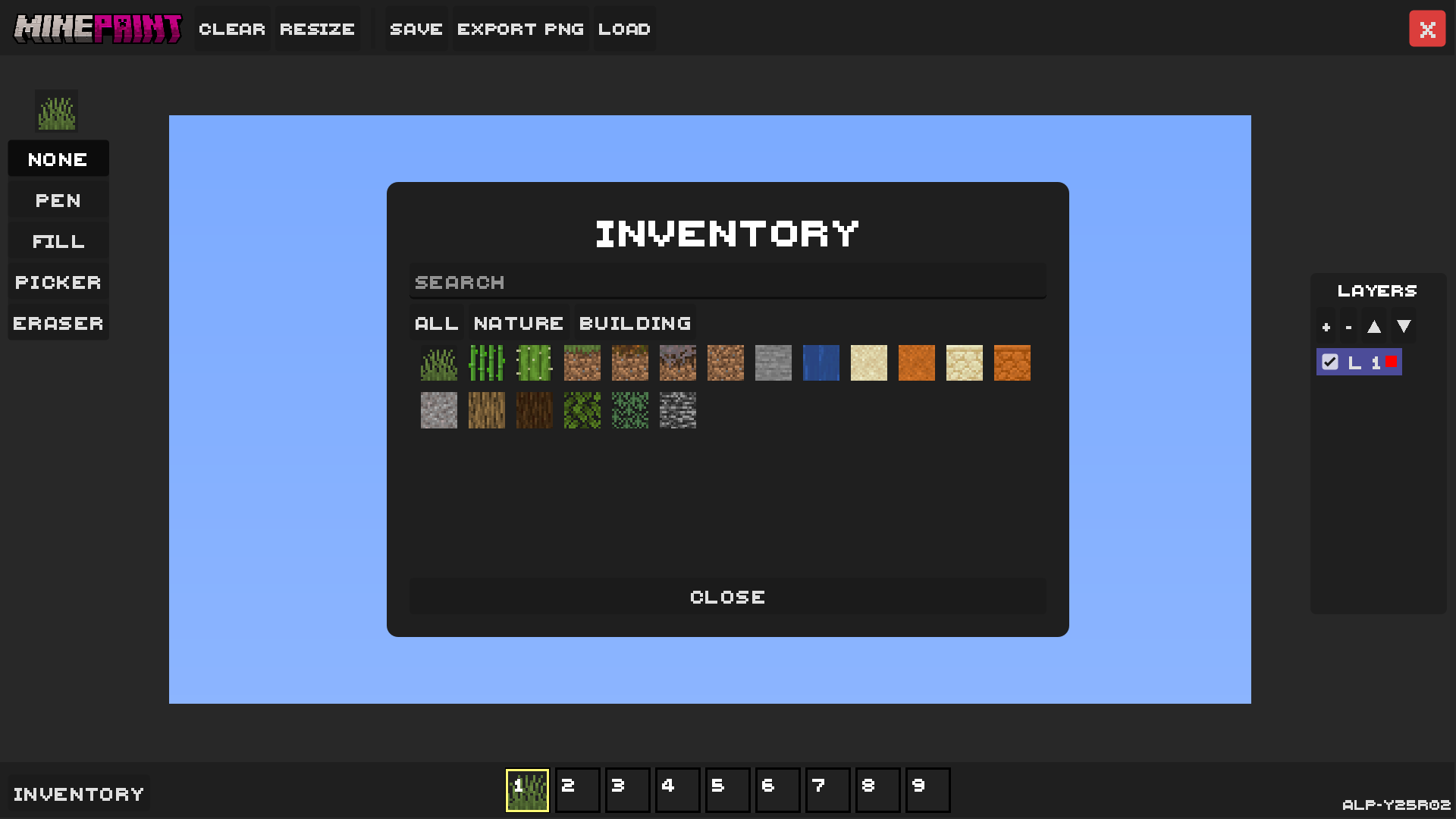
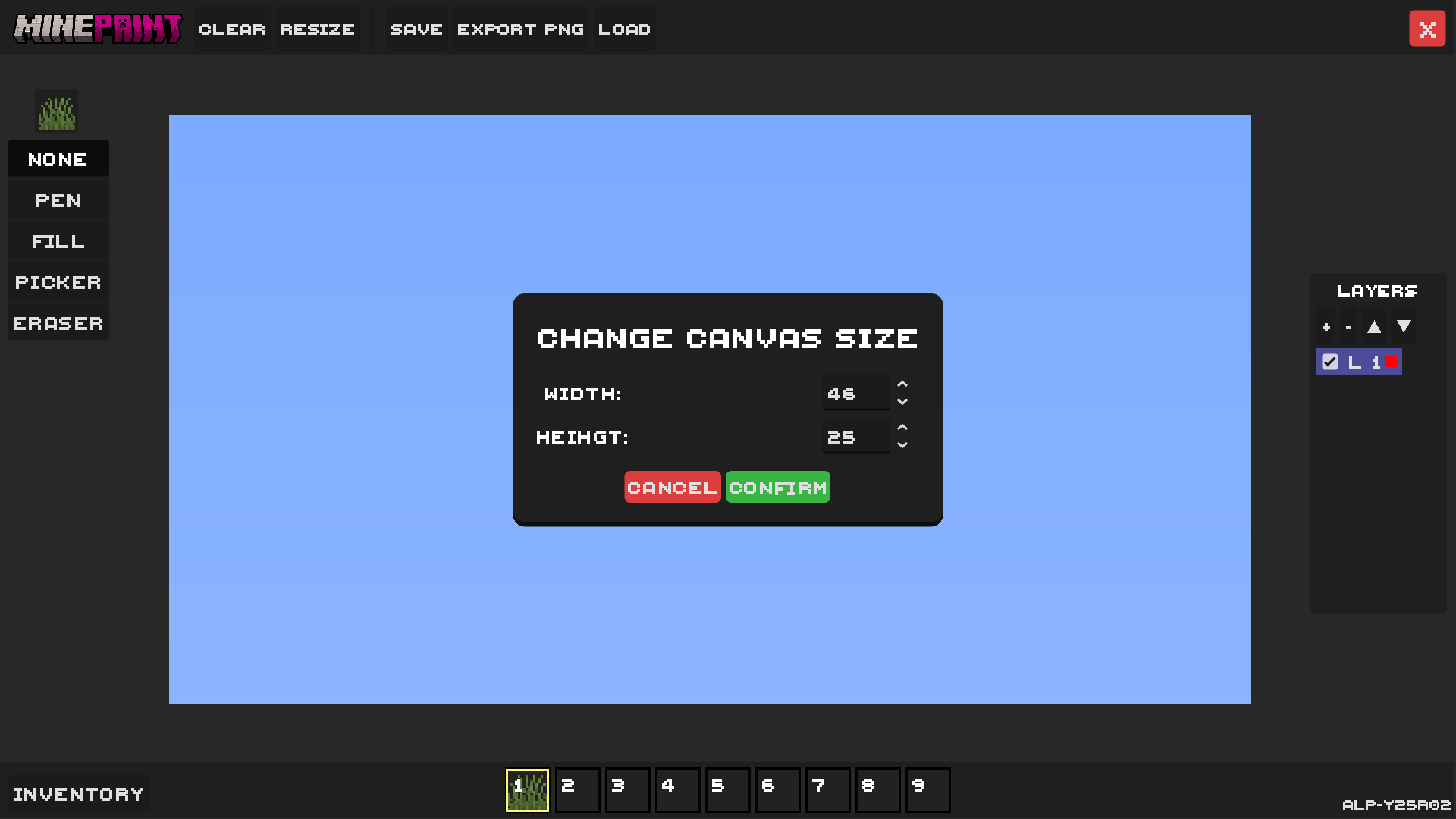
Brought to you by QozaWorks
Get the latest alpha build and start creating today.
Canvas Zoom, Splash Screen, DiaxUI v.1.3, New Blocks and more!
Download for Windows